Etsy listing photos
One photo isn't a listing. Buyers still have questions.
A hero shot shows what it looks like. It doesn't show how big it really is, what the surface feels like, or where it would sit — and those are the questions that decide the sale.
One phone photo, five listing photos · 3 free to try · No card required
What one photo can't show
Each photo after the first should answer one question.
Buyers ask the same handful of things, whether they type them into a message or just scroll past and buy elsewhere: how big is it really, what does the surface look like close up, what would it look like in my house, is the color on my screen the color in daylight. A photo that answers none of those is another picture of the same thing.
Three of those four, you can get from the photo you already have. The fourth you should shoot yourself. Nothing here invents an angle your photo never showed — the back of your piece is a surface only you have seen, and a tool that guesses at it is a tool that will eventually guess wrong.
One phone photo, five listing photos
You don't need a second shoot to get them.
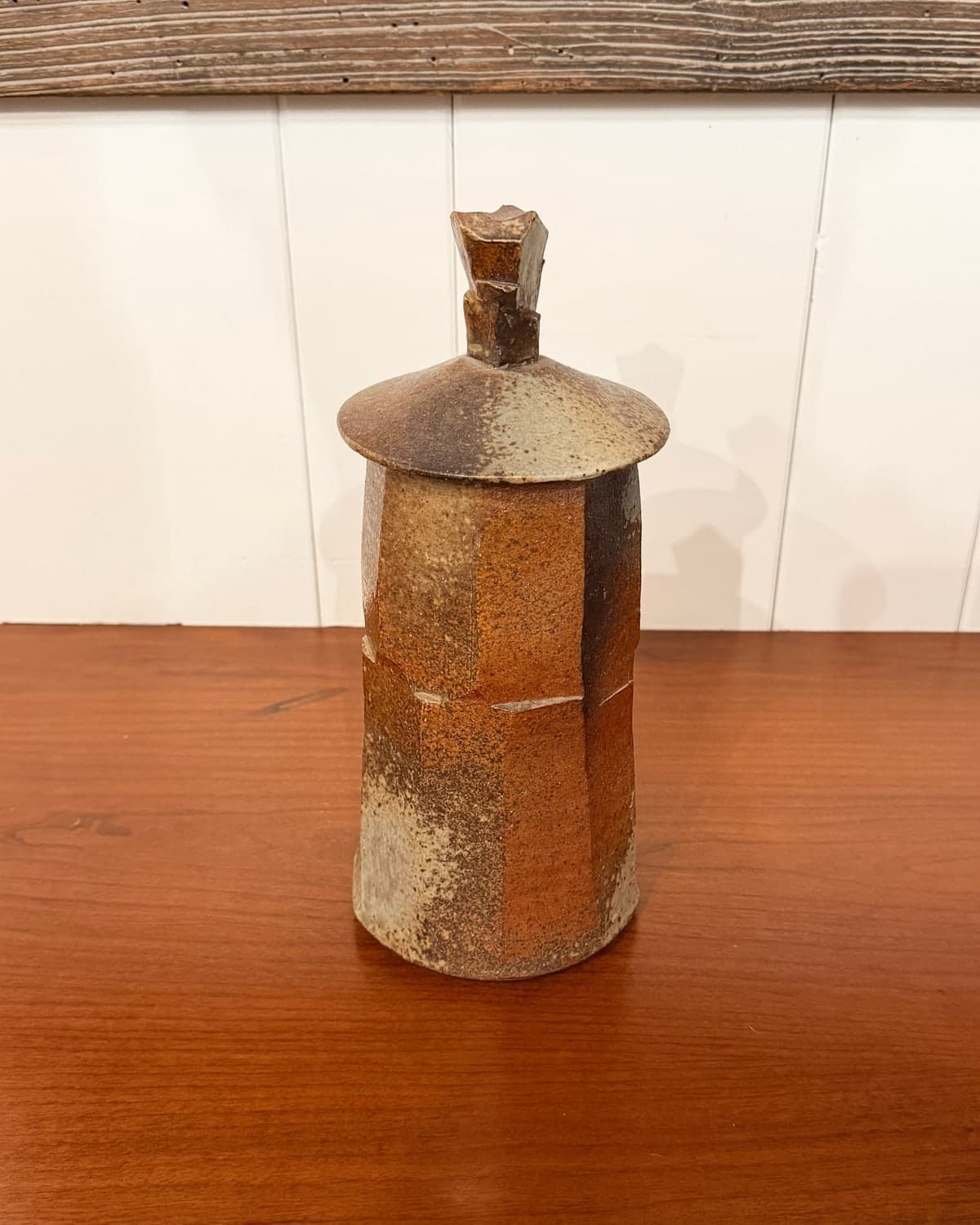
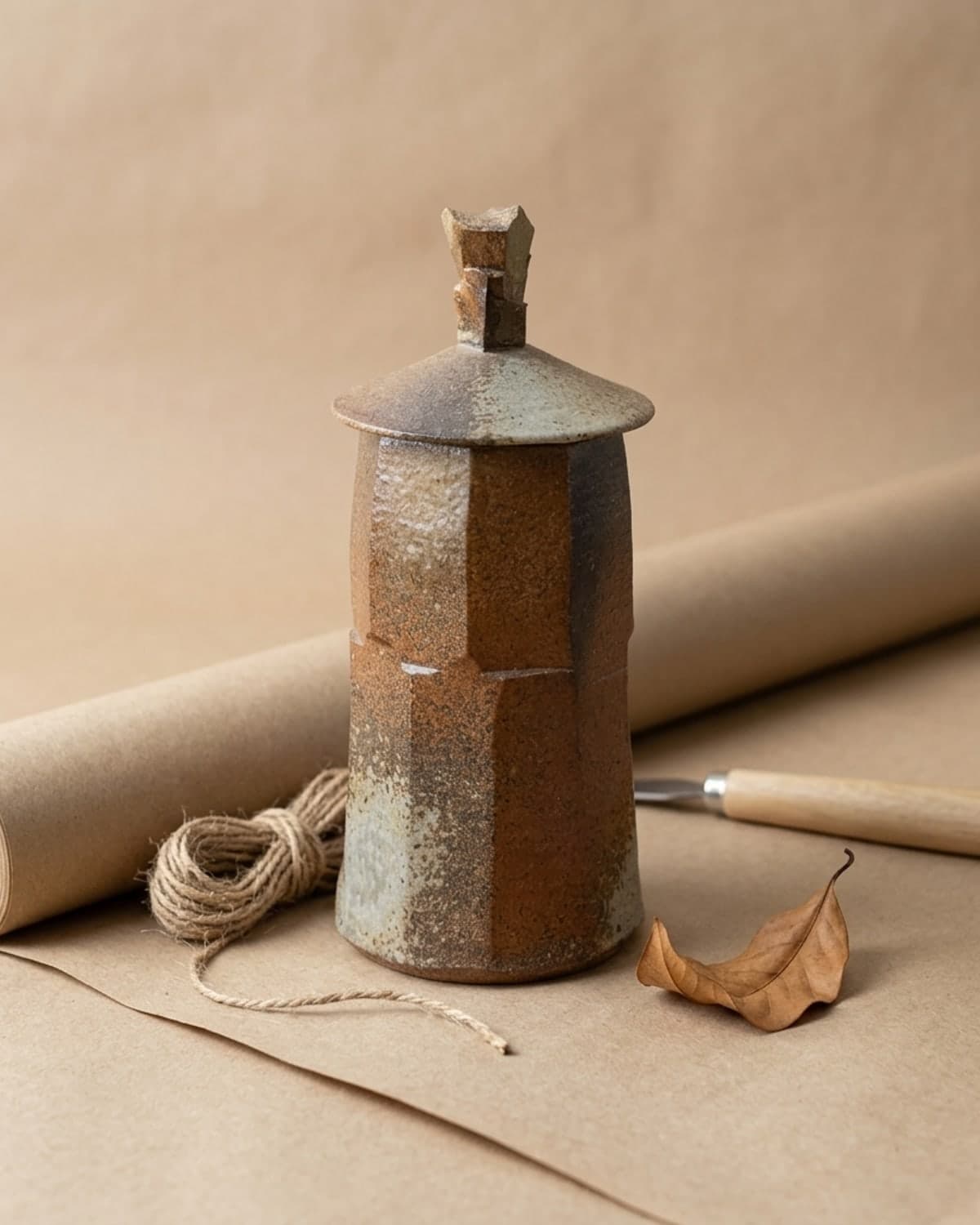
Every image below started as the first one — a wood-fired ceramic jar, shot on a sideboard at home with a camera flash and a picture frame in the background. That photo went in. These five came out.
The photo I started withSideboard, flash, picture frame in shot Kraft and twineA styled shot for the top of the listing 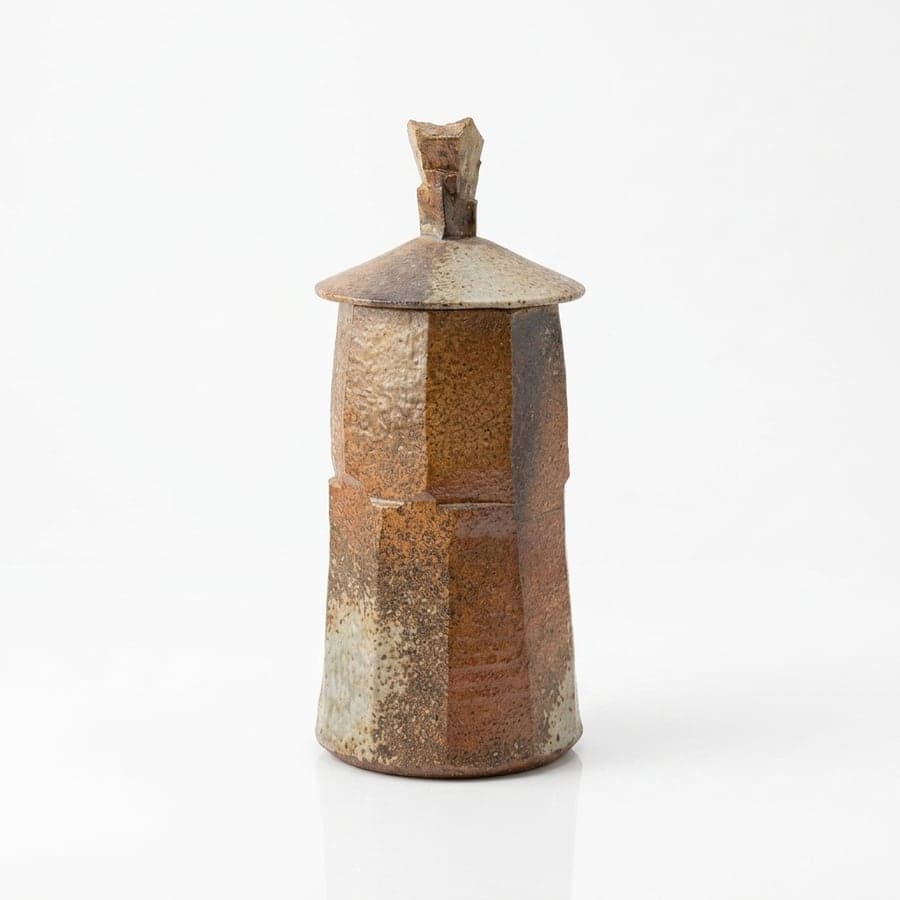
Plain and clearReads at thumbnail size 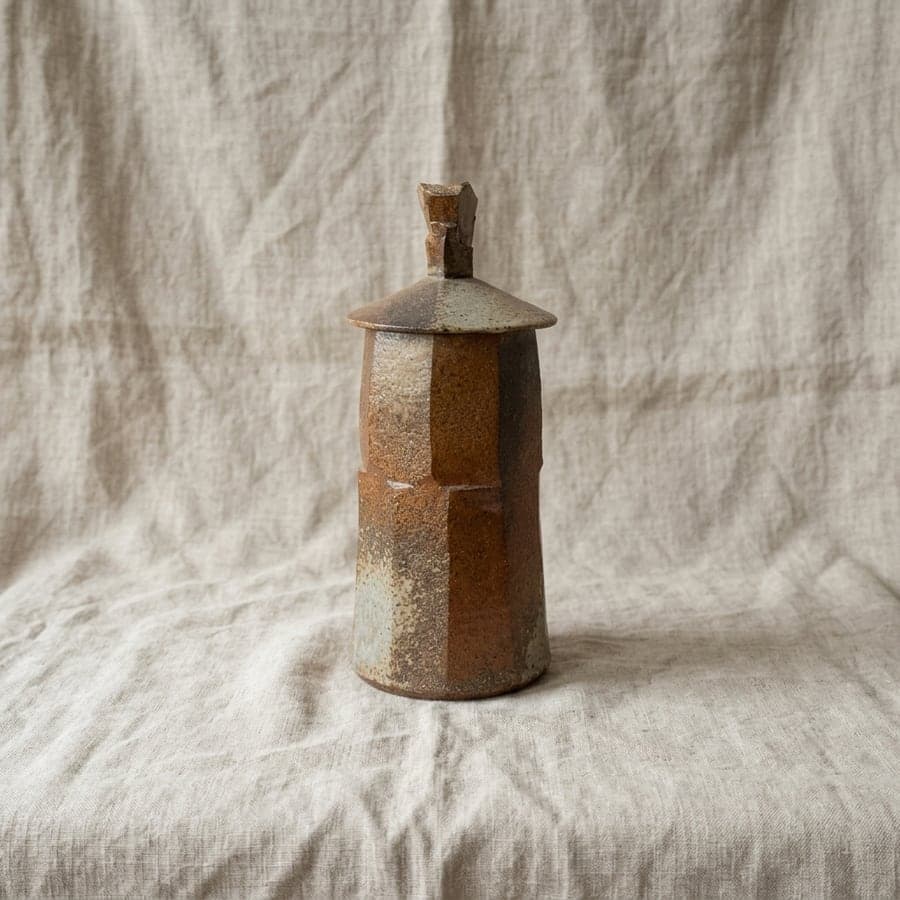
Surface and materialWhat the glaze looks like up close 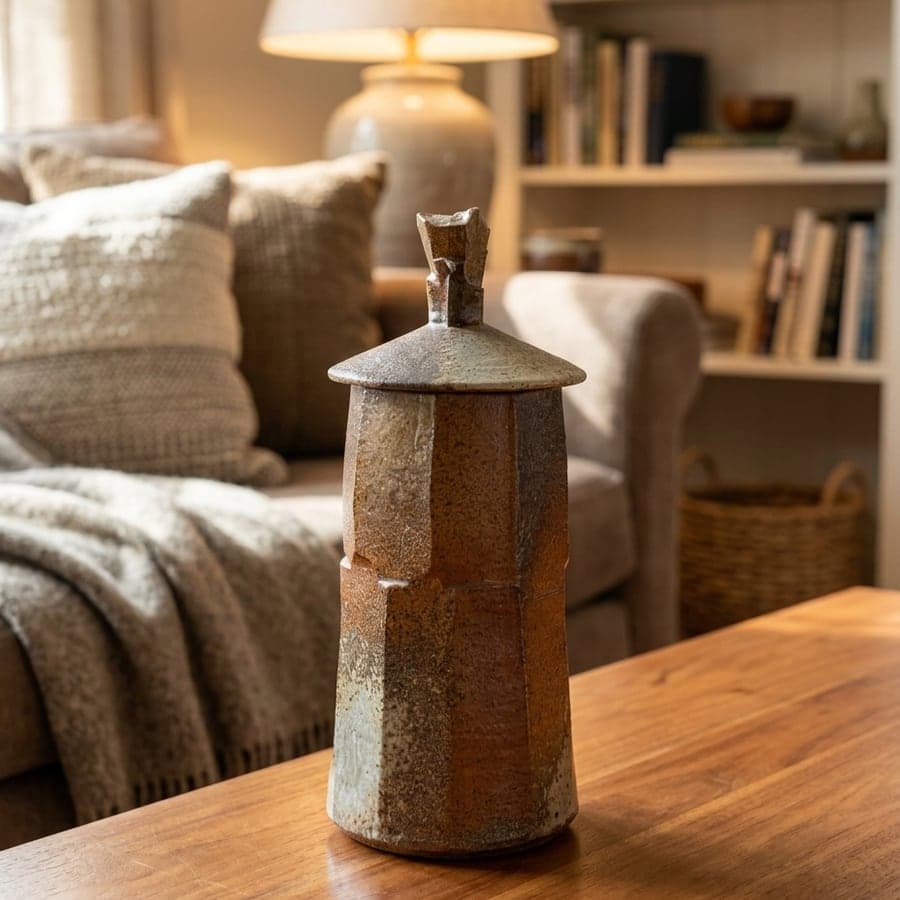
In a roomScale, and where it would live 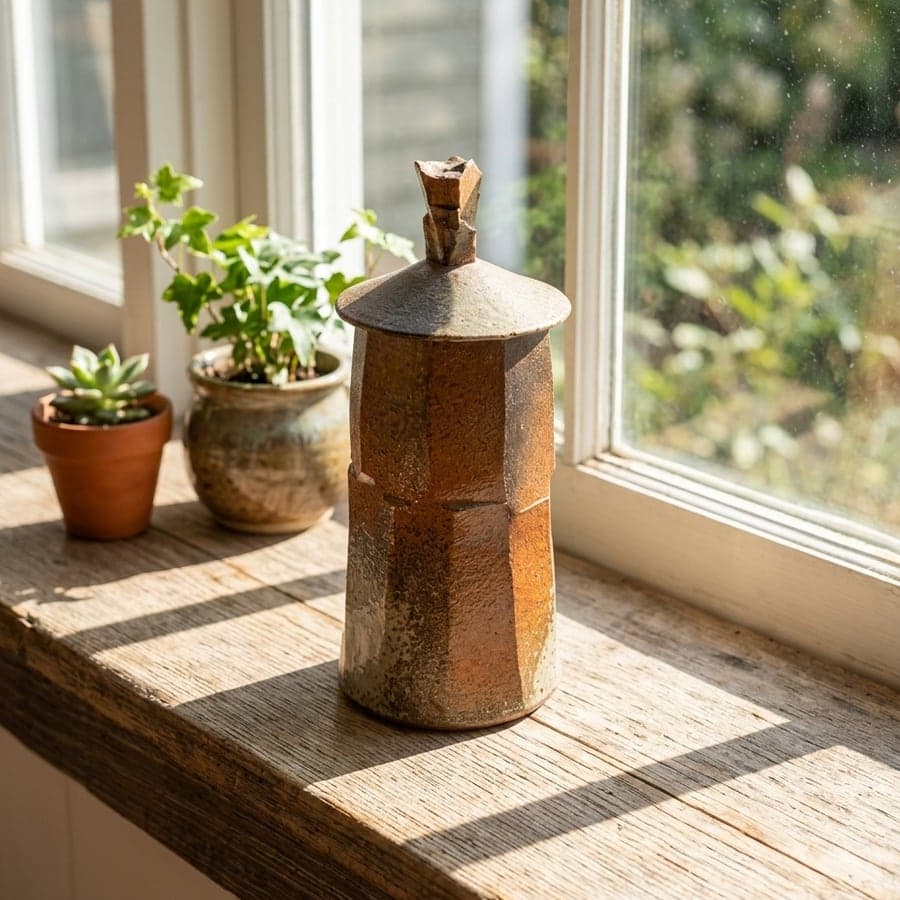
DaylightHow the surface reads in sun, not flash
Before you publish any of it
Check it against your own piece. That part is not optional.
Look at the fine work
Generation is not pixel-perfect on the smallest detail — beading, stitching, a maker's mark, the exact tone of a matte glaze under a bright scene light. Compare every image against your original before it goes near a listing.
Two free redos, per image
If a scene gets something wrong, redo it. You see every version side by side and pick the one that is right. Downloading is what makes it final.
The scene changes, the piece does not
Your photo is read for shape, color, proportion and markings, and those go into every scene the piece is staged in. The background, the light and the props are what change.
No card required · Your own photo · Review before you publish
Questions
Before you upload.
- How many photos should I add to a listing?
- As many as it takes to answer a buyer's real questions, and no more. The current slot limit is shown in your own listing editor — count them there rather than trusting a figure on someone else's site, this one included. What matters more than the number is whether each photo is doing a job.
- Does adding more photos help me rank?
- Not directly, as far as anyone outside Etsy can tell. The reason to add them is conversion, not search: a buyer whose question gets answered on your listing does not go back to results to find someone else's.
- Can I use AI-generated images on Etsy?
- Check Etsy's current policy before you publish. Their position on AI imagery has changed over time and can differ by category, and they are the only accurate source for it. We will not tell you what Etsy allows.
- Will these look machine-made on a handmade marketplace?
- That is the right question to ask before you use any of this. The scenes are built to look lived-in rather than catalogue-clean, and the piece itself does not change — but you are the judge, not us. Generate three free, put them next to your existing photos, and decide whether they belong in your shop.
- What kind of photo do I need to start?
- One clear shot of the piece. A phone is fine and a messy background is fine — every image on this page came from a photo taken on a sideboard at home, with a flash and a picture frame in the shot. Sharp and well-lit matters. Styled does not.
Turn one photo into the photos your listing is missing.
One clear shot of a piece is enough to start. Compare each image against your original, redo what is off twice over, and download only what is ready to publish.
Selling on more than one channel? Amazon has its own rules — different problem, different page.